
BIM Program
BIM Complete
Certification in BIM Modeling & Coordination
Course Duration
4 months (120 Hours)
Internship Duration
2 months (60 Hours)
Modules
16
Assessments
5
Language
Hindi/English
Mode
Online
Course Modules
Week 1
BIM + Revit Basics
Goal: Strong foundation
- BIM concepts (LOD, BEP, coordination workflow)
- BIM lifecycle (Design → Construction → FM)
- Interface of Autodesk Revit
- Project setup (units, levels, grids)
- Basic tools (walls, doors, windows)
Practice: 2D floor plan
Week 2
Architectural Modeling
Goal: Build architectural model
- Walls, floors, roofs, ceilings
- Curtain walls & glazing
- Stairs, ramps
- Families & components
Practice: Residential building model (LOD 200)
Week 3
Advanced Architecture + Documentation
Goal: Drawings & presentation
- Sections, elevations, 3D views
- Sheets & title blocks
- Schedules (doors, windows)
- Rendering basics
Practice: Complete drawing set
Week 4
Collaboration in Architecture
Goal: Team workflow
- Worksharing (central model)
- Linking CAD & models
- Intro to Autodesk BIM 360
Practice: Multi-user setup
Week 5
Structural Basics
Goal: Structural layout
- Structural grids, columns, beams
- Foundations (isolated, raft)
- Slabs & structural walls
Practice: Structural layout
Week 6
Advanced Structure + Reinforcement
Goal: Reinforcement detailing
- Rebar detailing in Autodesk Revit
- Beam, slab, column reinforcement
- Steel basics
Practice: Reinforcement modeling
Week 7
Structural Documentation
Goal: Produce construction drawings
- Structural drawings
- Quantity takeoff
Practice: Structural sheets
Week 8
Structural Coordination
Goal: Produce construction drawings
- Link architectural model
- Interference checking
- Multi-discipline workflow
Practice: Arch + Struct coordination
Week 9
HVAC Systems
Goal: Produce construction drawings
- Ducting, AHU, diffusers
- Airflow basics
Practice: HVAC layout
Week 10
Plumbing Systems
Goal: Produce construction drawings
- Water supply & drainage
- Pipe routing & fixtures
Practice: Plumbing layout
Week 11
Electrical Systems
Goal: Produce construction drawings
- Lighting, circuits, panels
- Cable trays & conduits
Practice: Electrical layout
Week 12
MEP Integration
Goal: Produce construction drawings
- Combine HVAC + Plumbing + Electrical
- Clash detection in Autodesk Revit
- Worksharing
Practice: Full MEP model
Week 13
Navisworks (Clash Detection)
Goal: Coordination expert
- Interface of Autodesk Navisworks
- Clash detection (all disciplines)
- Clash reports
- 4D simulation
Practice: Full coordination model
Week 14
BIM 360 + Autodesk Construction Cloud
Goal: Cloud BIM workflow
- Autodesk BIM 360 workflows
- Autodesk Construction Cloud
- Issue tracking, RFIs
- Document management
Practice: Upload + manage project
Week 15
Bluebeam + Documentation Review
Goal: Industry-level review process
- Interface of Bluebeam Revu
- Markups, measurement tools
- Studio collaboration
- Report generation
Practice: Review full project drawings
Week 16
Final BIM Project (Capstone)
Goal: Real-world BIM delivery
- Architectural model (LOD 300)
- Structural model + reinforcement
- MEP systems (HVAC + Plumbing + Electrical)
- Clash detection (Navisworks)
- Cloud collaboration (BIM 360 / ACC)
Get Ready to BIM: Unlock 5 Powerful Software Tools to Elevate Your Career
Certifications That Get You Placed!
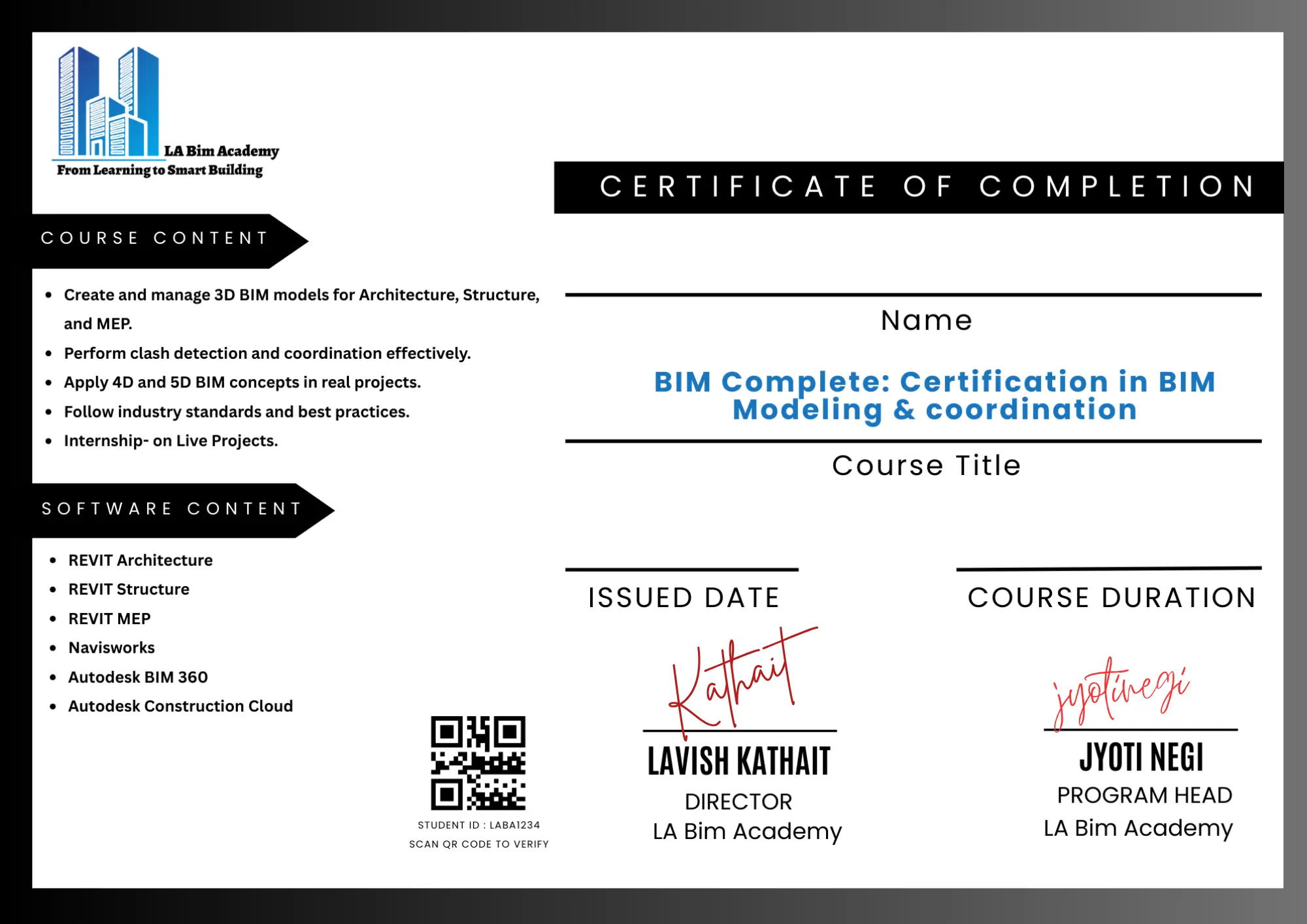
Work Experience Certificate
More than a certificate—it’s your gateway to BIM jobs.”
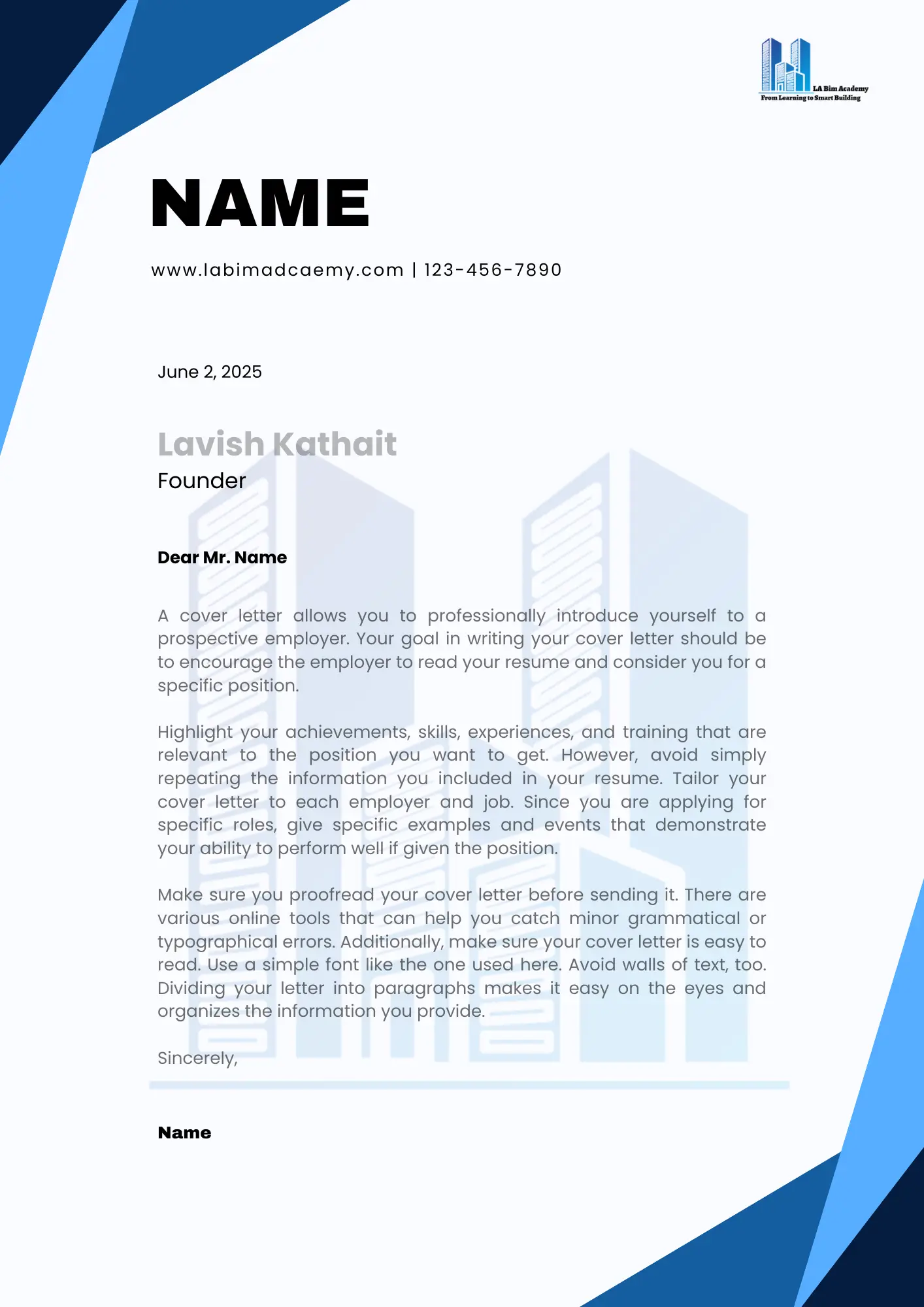
Internship Letter
This isn’t just a letter; it’s your BIM job offer waiting to happen.
Receive an industry-recognized certification along with an internship letter that validates both your technical skills and real-world project experience. This combination strengthens your professional profile, helping you stand out to employers and confidently secure job opportunities.
Career support
Lifetime Placement Assistance
We provide continuous career support to our students, including job referrals, interview preparation, and industry connections—ensuring opportunities even after course completion.
FINAL STEP
Your BIM Complete Journey Starts Here!
Book your seat with
₹5,000
Total Fee
₹49,000
Follow an easy-to-navigate enrollment process using the provided Enrollment Form
Accepted Payment Methods
Information on various payment methods is available for your convenience and seamless registration.
No Cost EMI Available
Start Building Your BIM Career Path
Join the next intake, train with industry-aligned modules, and move toward job-ready BIM roles with structured support.
FAQs
Deconstructing your doubts
Answers to common questions about BIM Complete, enrollment flow, and outcomes.
What is BIM?
Building Information Modeling (BIM) is a smart digital process used to design, visualize, and manage construction projects using 3D models and data.
Who can enroll in this BIM course?
Students, architects, civil engineers, MEP engineers, and working professionals can enroll.
Which software will I learn?
You will learn industry tools like Autodesk Revit, Navisworks, and other BIM-related software.
Is this course suitable for beginners?
Yes, the course starts from basics and gradually moves to advanced concepts.
What is the duration of the BIM course?
The course typically lasts between 4 to 12 weeks depending on the module.
Will I get practical training?
Yes, the course focuses on hands-on training with real-world projects.
Do you provide certification?
Yes, you will receive an industry-recognized certification after completion.
Do you offer internship opportunities?
Yes, we provide internship opportunities with a certificate for real project experience.
Is placement assistance available?
Yes, we offer lifetime placement assistance including interview preparation and portfolio support.
Can I learn BIM online?
Yes, the course is available online with flexible learning options.
What job roles can I apply for after this course?
You can apply for roles like BIM Modeler, BIM Engineer, Revit Designer, and Coordinator.
Do I need prior software knowledge?
No, basic computer knowledge is enough to start.
What projects will I work on?
You will work on architectural, structural, and MEP-based BIM projects.
Will I learn clash detection?
Yes, you will learn clash detection using Navisworks.
Is this course useful for career growth?
Yes, BIM skills are in high demand globally and open multiple career opportunities.
Will I get recorded sessions?
Yes, recorded sessions may be provided for revision.
What makes this course different?
We focus on practical training, real projects, and job readiness.
How will this course help in getting a job?
It helps you build a strong portfolio, gain practical skills, and prepare for interviews.
What support will I get during the course?
You will get mentor support, doubt sessions, and career guidance.
How can I enroll?
You can enroll through our website or contact our team directly.
Still unsure? Contact us and we’ll guide you to the right course.