
Course Duration
2 months (60 Hours)
Internship Duration
2 months (60 Hours)
Modules
8
Assessments
3
Language
Hindi/English
Mode
Online
Course Modules
Week 1
BIM + Revit MEP Basics
Goal: Understand MEP BIM workflow
- BIM concepts (LOD, coordination, clash detection)
- MEP disciplines overview (HVAC, Electrical, Plumbing)
- Interface of Autodesk Revit (MEP workspace)
- Project setup (levels, grids, spaces & zones)
- Basic systems introduction
Practice: Create basic MEP layout with spaces/zones
Week 2
HVAC Modeling (Mechanical)
Goal: Design air systems
- Duct creation (rectangular, round, oval)
- Air terminals (diffusers, grilles)
- Mechanical equipment (AHU, FCU)
- Duct fittings & routing
- Basic airflow concepts
Practice: Model HVAC system for a small office
Week 3
Plumbing (Public Health Engineering)
Goal: Water supply & drainage systems
- Pipe systems (hot water, cold water, drainage)
- Fixtures (wash basins, toilets, sinks)
- Pipe routing & slopes Goal: Water supply & drainage systems
- Valves & fittings
- System classification
Practice: Model plumbing system for residential building
Week 4
Electrical Systems
Goal: Electrical BIM modeling
- Lighting systems & fixtures
- Power circuits & panels
- Cable trays & conduits
- Switchboards & distribution boards
- Load calculations (basic)
Practice: Create electrical layout with circuits
Week 5
Advanced MEP + Coordination in Revit
Goal: Integrated MEP systems
- System analysis (flow, pressure basics)
- Interference checking in Autodesk Revit
- Worksharing (team collaboration)
- Linking architectural & structural models
- MEP coordination workflow
Practice: Combine HVAC + Plumbing + Electrical in one model
Week 6
Navisworks for MEP Coordination
Goal: Clash detection & coordination
- Interface of Autodesk Navisworks
- Import multi-discipline models
- Clash detection (duct vs beam, pipe vs cable tray)
- Clash grouping & reports
- 4D simulation basics
Practice: Perform clash detection for MEP vs structure
Week 7
BIM 360 / Autodesk Construction Cloud
Goal: Cloud collaboration & issue tracking
- Overview of Autodesk BIM 360
- Working with Autodesk Construction Cloud
- Model coordination workflows
- Issue tracking & RFIs
- Document management & approvals
Practice: Upload MEP model + track coordination issues
Week 8
Bluebeam + Final BIM MEP Project
Goal: Documentation + full workflow
Bluebeam Skills:- Interface of Bluebeam Revu
- MEP drawing markups (duct/pipe corrections)
- Measurement tools (quantities, pipe length)
- Studio collaboration
Get Ready to BIM: Unlock 5 Powerful Software Tools to Elevate Your Career
Certifications That Get You Placed!
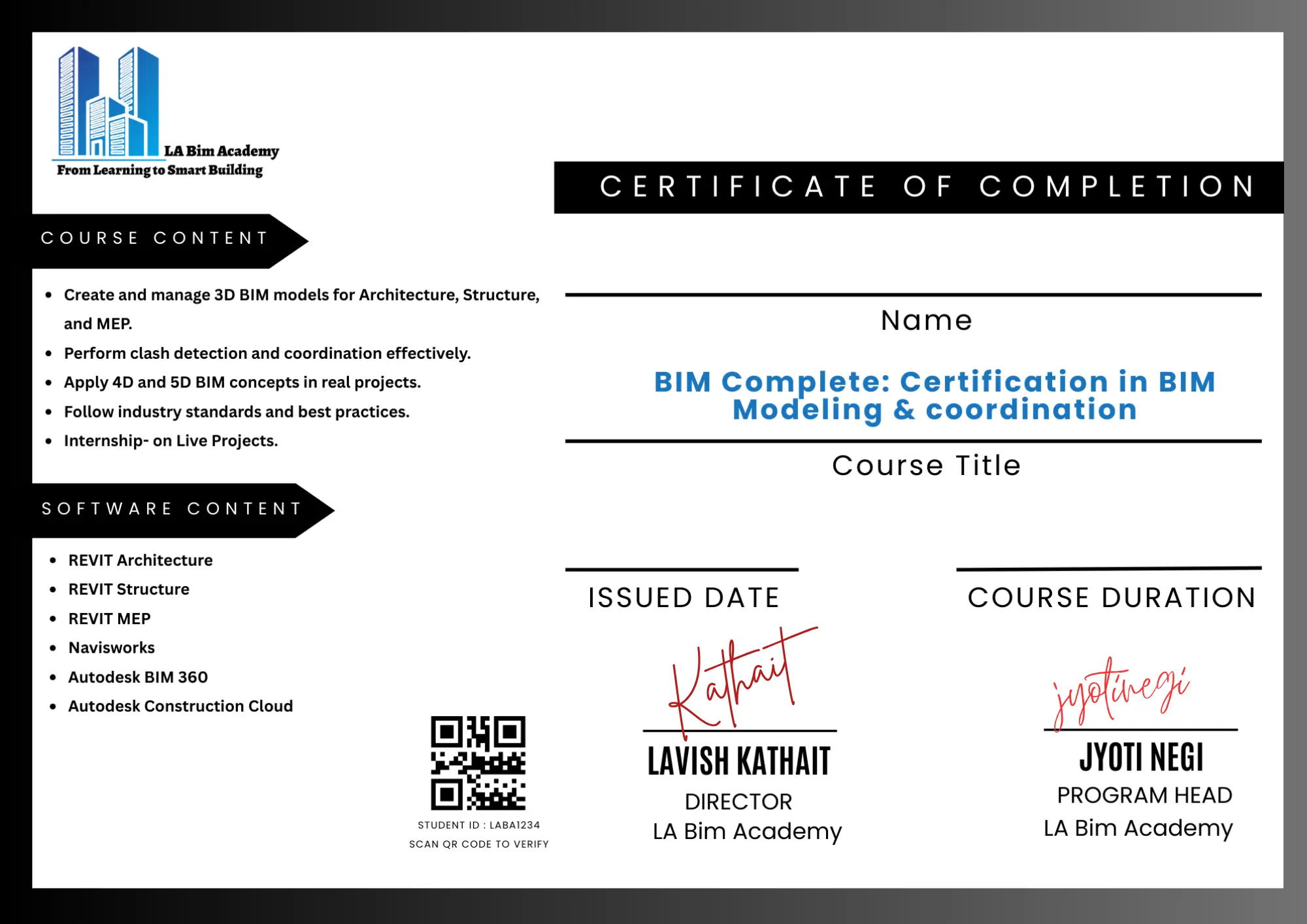
Work Experience Certificate
More than a certificate—it’s your gateway to BIM jobs.”
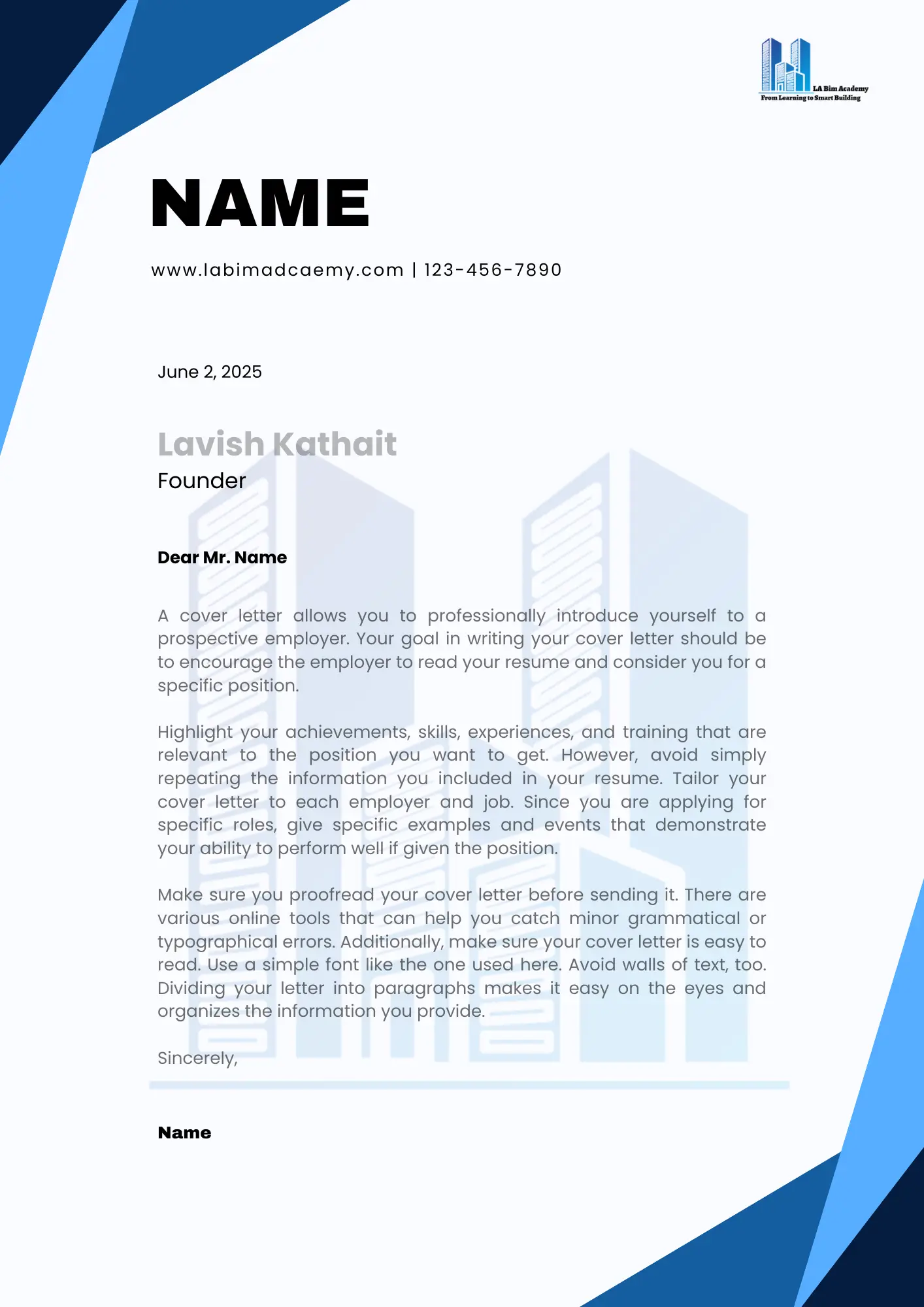
Internship Letter
This isn’t just a letter; it’s your BIM job offer waiting to happen.
Receive an industry-recognized certification along with an internship letter that validates both your technical skills and real-world project experience. This combination strengthens your professional profile, helping you stand out to employers and confidently secure job opportunities.
Career support
Lifetime Placement Assistance
We provide continuous career support to our students, including job referrals, interview preparation, and industry connections—ensuring opportunities even after course completion.
FINAL STEP
Your BIM MEP Journey Starts Here!
Book your seat with
₹5,000
Total Fee
₹39,999
Follow an easy-to-navigate enrollment process using the provided Enrollment Form
Accepted Payment Methods
Information on various payment methods is available for your convenience and seamless registration.
No Cost EMI Available

Start Building Your BIM Career Path
Join the next intake, train with industry-aligned modules, and move toward job-ready BIM roles with structured support.
FAQs
Deconstructing your doubts
Answers to common questions about BIM MEP, enrollment flow, and outcomes.
What is BIM MEP?
BIM MEP involves modeling and coordinating Mechanical, Electrical, and Plumbing systems using intelligent 3D models for efficient building design and construction.
Which software will I learn in this course?
You will learn tools like Autodesk Revit MEP and Navisworks for modeling, coordination, and clash detection.
Is this course suitable for beginners?
Yes, the course is designed for both beginners and professionals, starting from basics to advanced MEP workflows.
What are the prerequisites for BIM MEP?
Basic knowledge of mechanical, electrical, or plumbing systems is helpful but not mandatory.
What will I learn in this course?
You will learn MEP system modeling, HVAC design basics, electrical layouts, plumbing systems, and clash detection.
Will I work on real projects?
Yes, you will get hands-on experience with real-world MEP projects and coordination workflows.
What job roles can I apply for after this course?
You can apply for roles like:
- BIM MEP Modeler
- MEP Engineer
- Revit MEP Designer
- BIM Coordinator (with experience)
Do you provide placement assistance?
Yes, we provide lifetime placement assistance including resume building, portfolio creation, and interview preparation.
Will I receive a certificate?
Yes, you will receive a course completion certificate along with internship recognition (if applicable).
Can working professionals join this course?
Absolutely! The course is flexible and suitable for both students and working professionals.
Still unsure? Contact us and we’ll guide you to the right course.