

Course Duration
2 months (60 Hours)
Internship Duration
2 months (60 Hours)
Modules
8
Assessments
3
Language
Hindi/English
Mode
Online
Course Modules
Week 1
BIM Basics + Revit Structure Introduction
Goal: Understand BIM for structural engineering
- Introduction to BIM concepts (LOD, coordination, interoperability)
- Structural BIM workflow (Design → Analysis → Documentation)
- Interface of Autodesk Revit
- Project setup (levels, grids, structural settings)
- Structural elements intro (columns, beams, foundations)
Practice: Create a basic structural grid + column layout
Week 2
Structural Modeling in Revit
Goal: Build core structural system
- Concrete vs steel structures
- Beams, beam systems, bracing
- Slabs (structural floors)
- Isolated & combined footings
- Structural walls & cores
Practice: Create a complete structural model (concrete + steel)
Week 3
Advanced Structural Components + Reinforcement
Goal: Reinforcement detailing
- Rebar tools in Autodesk Revit
- Beam, slab, column reinforcement
- Rebar shapes & schedules
- Connections (steel connections basics)
- Analytical model basics
Practice: Add reinforcement to beams & slabs
Week 4
Documentation + Structural Drawings
Goal: Produce construction drawings
- Structural plans, sections, details
- Rebar detailing sheets
- Quantity takeoff basics
- Drawing standards
Practice: Prepare full structural drawing set
Week 5
Navisworks for Structural Coordination
Goal: Clash detection & coordination
- Interface of Autodesk Navisworks
- Import structural + architectural + MEP models
- Clash detection (beam vs duct, column vs wall)
- Clash reports generation
- 4D simulation basics (construction sequencing)
Practice: Run clash detection for a multi-discipline model
Week 6
BIM 360 / Autodesk Construction Cloud
Goal: Cloud collaboration for structural teams
- Overview of Autodesk BIM 360
- Working with Autodesk Construction Cloud
- Model coordination workflows
- Issue tracking (site + design issues)
- Version control & approvals
Practice: Run clash detection for a multi-discipline model
Week 7
Bluebeam for Structural Review
Goal: Drawing review & site communication
- Interface of Bluebeam Revu
- Structural drawing markups (rebar corrections, beam changes)
- Measurement tools (quantities, steel estimation)
- Studio collaboration sessions
- Report generation
Practice: Review structural drawings and prepare issue report
Week 8
Final BIM Structural Project
Goal: End-to-end structural BIM workflow
Project Tasks:- Create structural model (LOD 300)
- Add reinforcement detailing
- Export to Navisworks for clash detection
- Upload to BIM 360 / ACC
- Review drawings in Bluebeam
Get Ready to BIM: Unlock 5 Powerful Software Tools to Elevate Your Career

Certifications That Get You Placed!
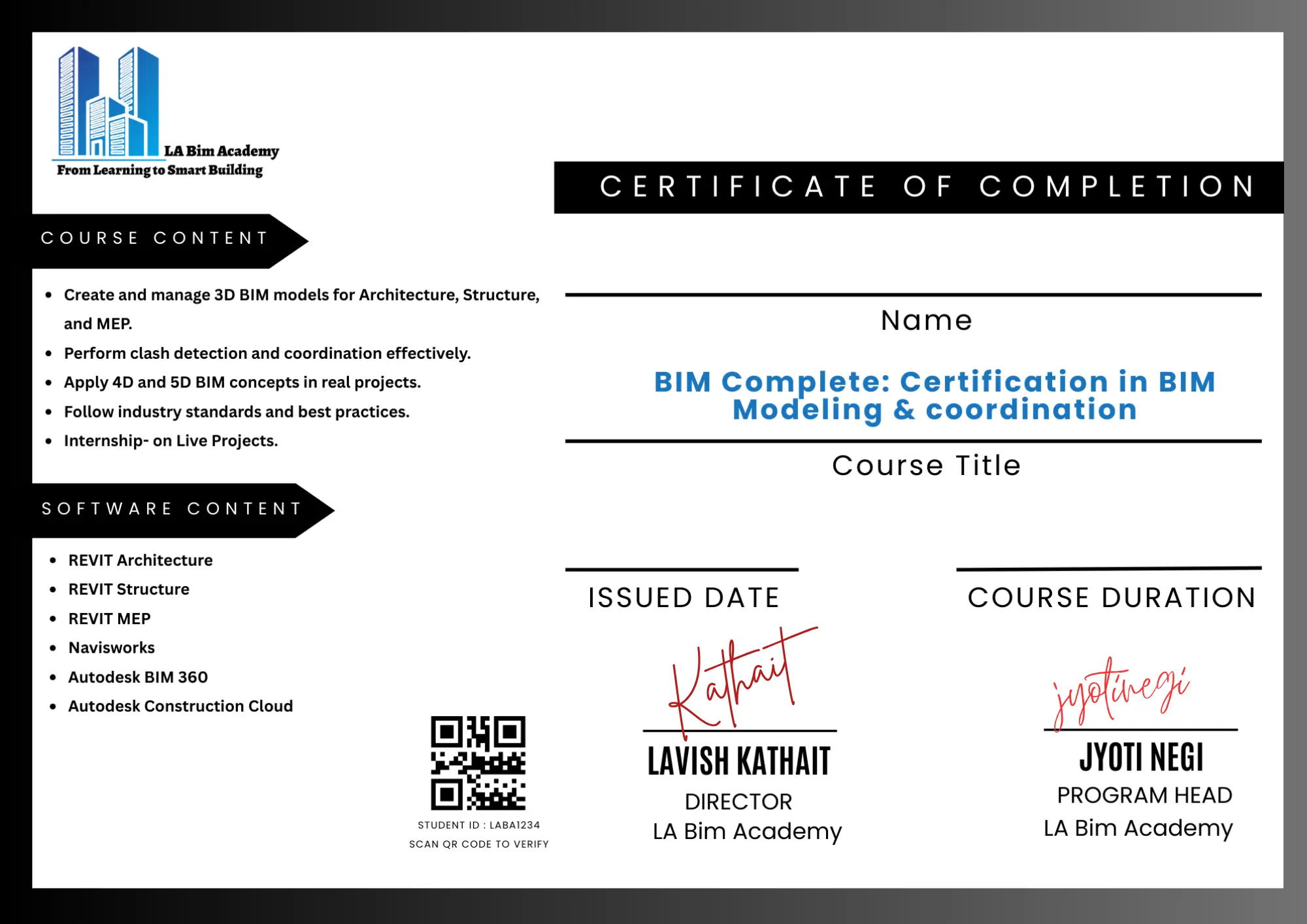
Work Experience Certificate
More than a certificate—it’s your gateway to BIM jobs.”
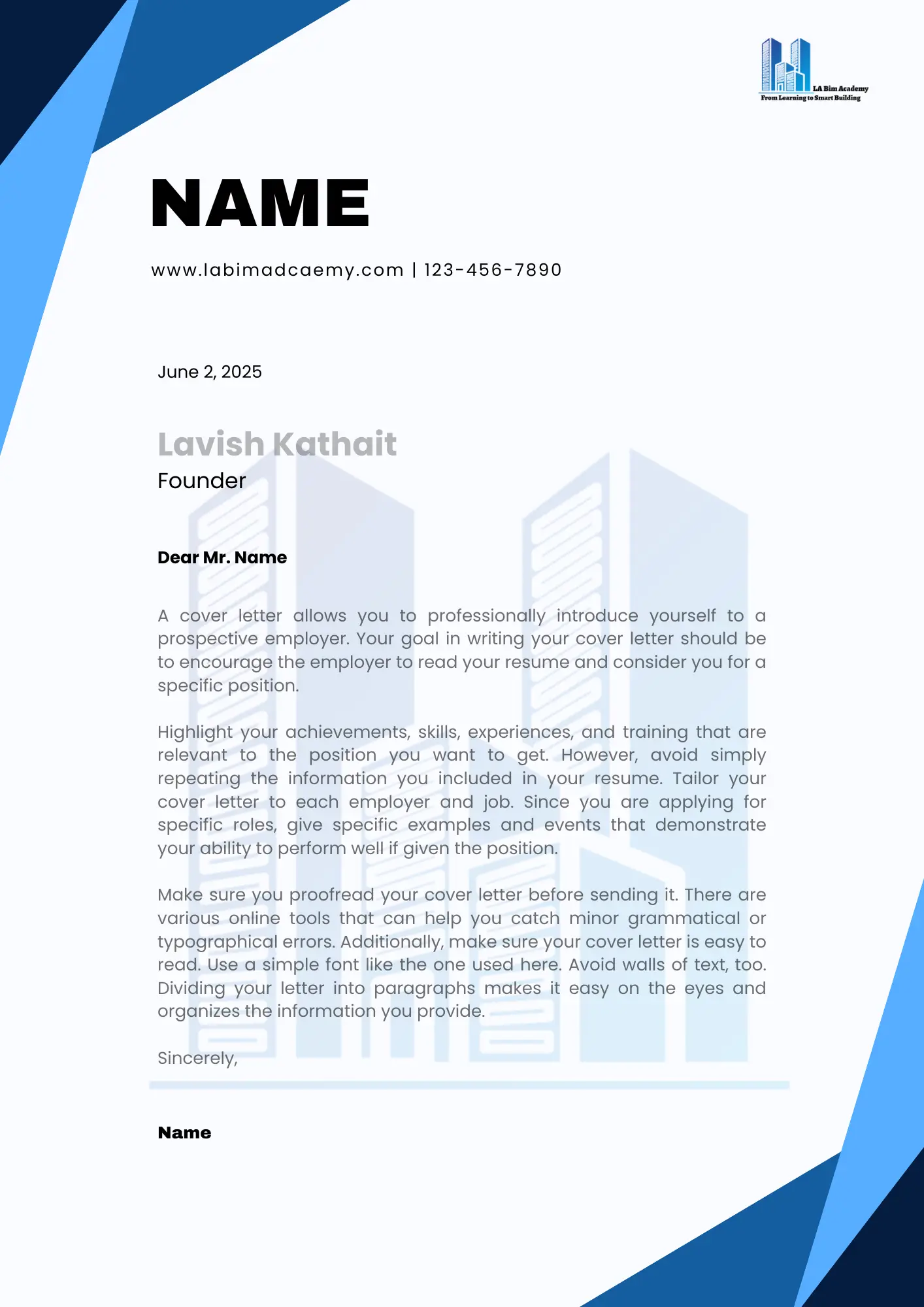
Internship Letter
This isn’t just a letter; it’s your BIM job offer waiting to happen.
Receive an industry-recognized certification along with an internship letter that validates both your technical skills and real-world project experience. This combination strengthens your professional profile, helping you stand out to employers and confidently secure job opportunities.
Career support
Lifetime Placement Assistance
We provide continuous career support to our students, including job referrals, interview preparation, and industry connections—ensuring opportunities even after course completion.
FINAL STEP
Your BIM Structure Journey Starts Here!
Book your seat with
₹5,000
Total Fee
₹39,999
Follow an easy-to-navigate enrollment process using the provided Enrollment Form
Accepted Payment Methods
Information on various payment methods is available for your convenience and seamless registration.
No Cost EMI Available




Start Building Your BIM Career Path
Join the next intake, train with industry-aligned modules, and move toward job-ready BIM roles with structured support.
FAQs
Deconstructing your doubts
Answers to common questions about BIM Structure, enrollment flow, and outcomes.
What is BIM Structural Modeling?
BIM Structural Modeling involves creating intelligent 3D models of structural elements like beams, columns, slabs, and foundations with accurate data for design and construction.
Which software will I learn in this course?
You will learn industry-standard tools like Autodesk Revit Structure, along with basic exposure to structural workflows.
Is this course suitable for beginners?
Yes, this course is designed for both beginners and professionals, starting from basics to advanced structural modeling.
What are the prerequisites for this course?
Basic knowledge of structural engineering or civil concepts is helpful but not mandatory.
What will I learn in this course?
You will learn structural modeling, reinforcement detailing, creating drawings, and understanding BIM workflows used in real projects.
Will I work on real-time projects?
Yes, the course includes practical, project-based learning to simulate real-world structural design workflows.
What job roles can I apply for after completing this course?
You can apply for roles like:
- BIM Structural Modeler
- Revit Structure Engineer
- Structural Detailer
- BIM Coordinator (with experience)
Do you provide placement assistance?
Yes, we provide lifetime placement support including resume building, portfolio creation, and interview preparation.
Will I receive a certificate after completion?
Yes, you will receive a certification that validates your structural BIM skills.
Can working professionals join this course?
Absolutely! The course is flexible and suitable for both students and working professionals.
Still unsure? Contact us and we’ll guide you to the right course.